Streamlining Your Billing Process With Stintar: A Step-by-Step Guide

Introduction
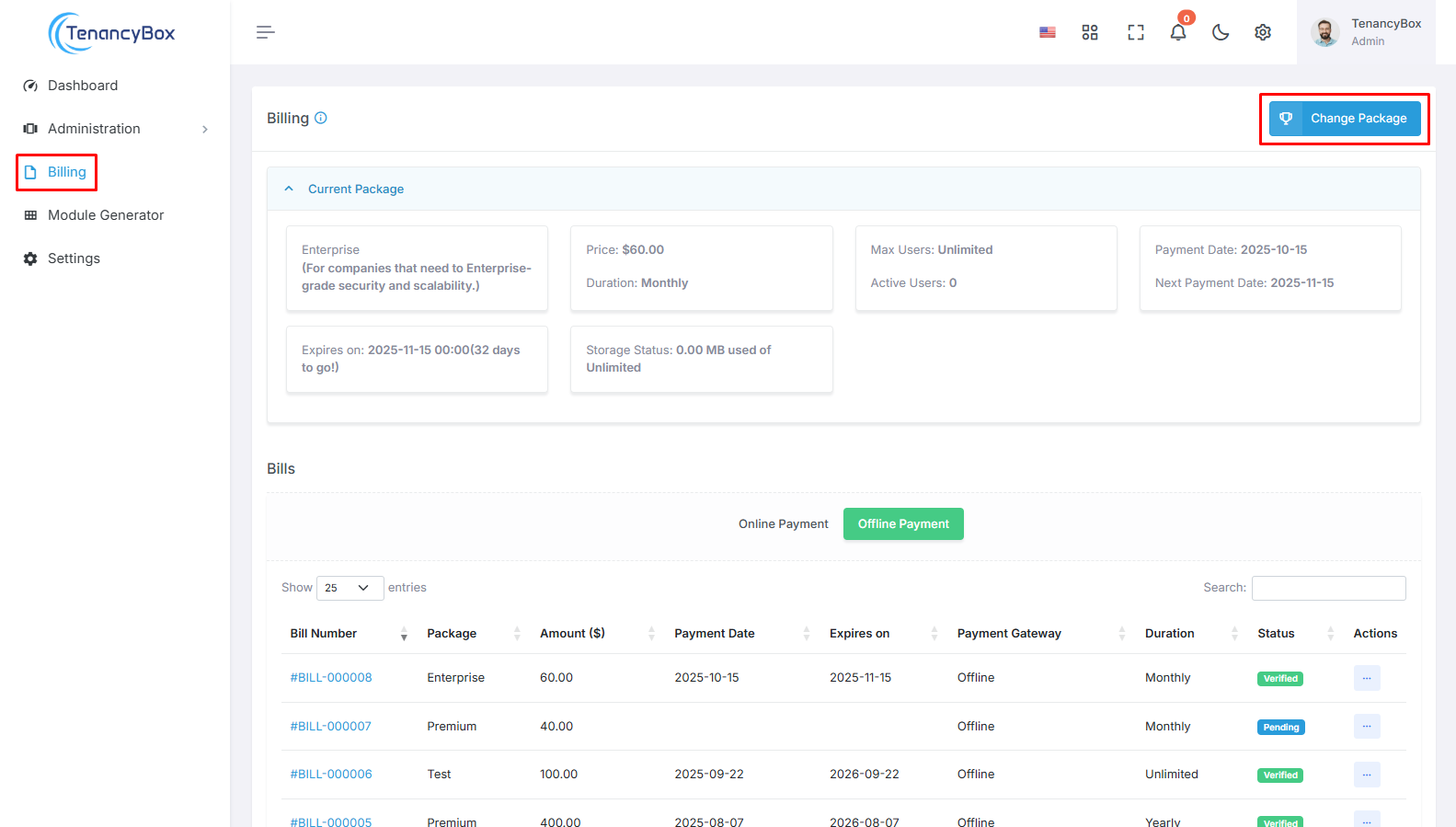
Managing billing can be a tedious and time-consuming task for any business. From tracking invoices and payments to ensuring accuracy and timeliness, the billing process can often be a source of frustration for many organizations. However, with the help of Stintar, businesses can streamline their billing process and achieve greater efficiency, reduced errors, and significant time savings.
What is Stintar?
Stintar is a comprehensive billing and invoicing software designed to simplify and automate the billing process for businesses of all sizes. With its user-friendly interface and powerful features, Stintar helps businesses streamline their billing operations and improve their overall financial management.
How Does Stintar Work?
Stintar offers a step-by-step approach to help businesses optimize their billing process. Let's take a closer look at each stage of the process:
Step 1: Set Up Your Account
The first step in streamlining your billing process with Stintar is setting up your account. This involves creating a login and password, entering your business information, and setting up your billing preferences. Stintar allows you to customize your invoices with your company logo, contact information, and payment terms.
Step 2: Create Billing Templates
Next, you can create billing templates for your products and services. This will save you time and effort when generating invoices for your clients. You can also set up recurring invoices for clients with monthly or yearly billing cycles.
Step 3: Add Clients
Stintar makes it easy to manage your clients and their billing information. You can add new clients, view their billing history, and track payments all in one place. This ensures that your client database is always up-to-date and accurate.
Step 4: Generate Invoices
Once you have set up your account, templates, and client database, you can start generating invoices with just a few clicks. Stintar allows you to select the client, invoice date, and due date, and automatically calculates the total amount due. You can also add any additional notes or terms to the invoice before sending it to your client.
Step 5: Track Payments
Stintar also offers a convenient way to track payments and overdue invoices. You can view the status of each invoice, see which clients have outstanding payments, and send payment reminders to clients with overdue invoices.
The Benefits of Using Stintar
Streamlining your billing process with Stintar offers numerous benefits for your business, including:
- Efficiency: Stintar automates many manual tasks, saving you time and effort in managing your billing process.
- Accuracy: With Stintar, you can reduce errors in your billing process, ensuring that your clients receive accurate and timely invoices.
- Time Savings: By automating your billing process, you can free up valuable time to focus on other important aspects of your business.
- Improved Financial Management: Stintar provides a clear overview of your billing and payment history, allowing you to make more informed financial decisions for your business.
Real-Life Experience: How Stintar Helped XYZ Company
XYZ Company, a small business providing marketing services, struggled with managing their billing process manually. They often faced delays in generating invoices, and errors in calculations led to payment disputes with clients. However, after implementing Stintar, they were able to streamline their billing process and achieve significant improvements in efficiency and accuracy.
Practical Tips for Streamlining Your Billing Process
To make the most out of Stintar and streamline your billing process, here are some practical tips to keep in mind:
- Regularly Update Your Client Database: Make sure to add new clients and update billing information for existing clients to ensure accurate invoicing.
- Utilize Recurring Invoices: For clients with regular billing cycles, setting up recurring invoices can save you time and effort in generating invoices each month.
- Send Timely Payment Reminders: Stintar offers the option to send payment reminders to clients with overdue invoices. This can help improve your cash flow and reduce the chances of payment disputes.
- Take Advantage of Customization Options: Stintar allows you to customize your invoices and add your company branding, making your invoices look more professional and personalized for your clients.
Conclusion
In today's fast-paced business environment, streamlining your billing process is crucial for success. With the help of Stintar, businesses can achieve greater efficiency, accuracy, and time savings in their billing operations. By following the step-by-step guide and implementing the practical tips mentioned in this article, you can optimize your billing process and take your business to the next level.
#billingprocess #Stintar #efficiency #errors #timesaving #invoicing #paymenttracking